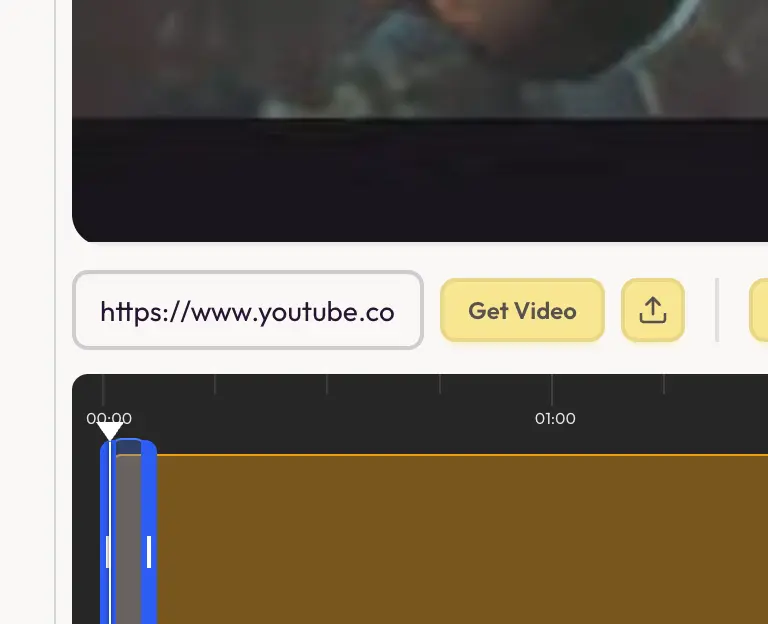
Pinterest to GIF maker for presentations
One unified editor to bring videos from anywhere and create GIFs out of them
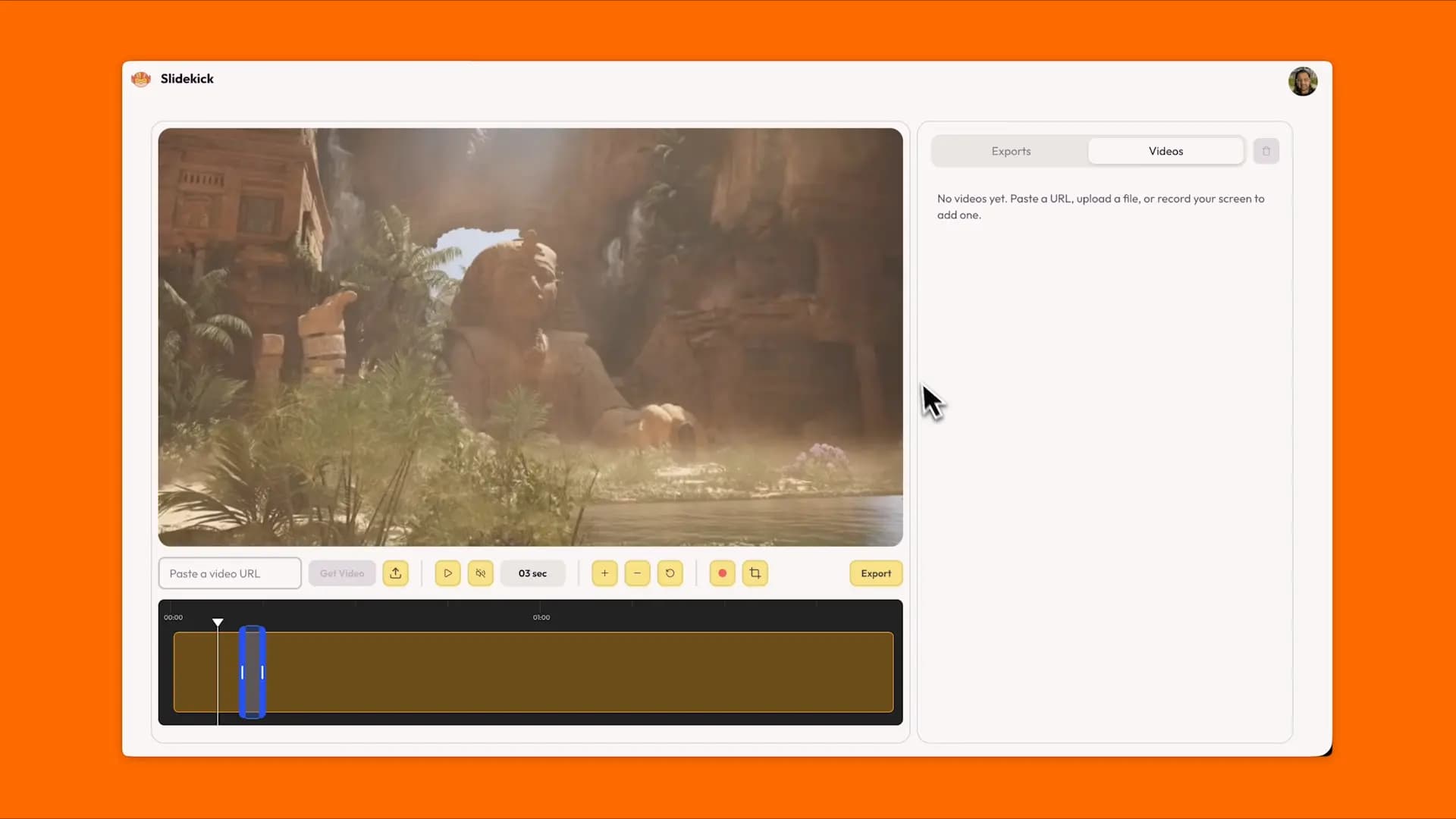
Works in 3 simple steps
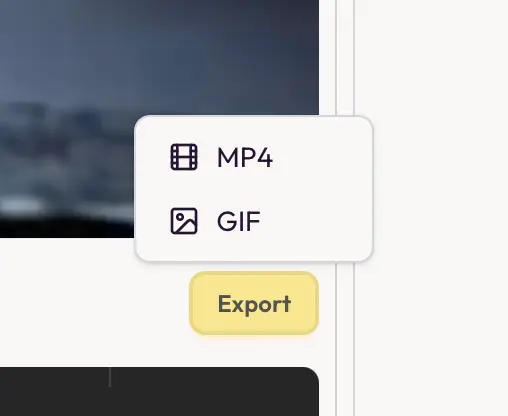
2. Export GIF or MP4
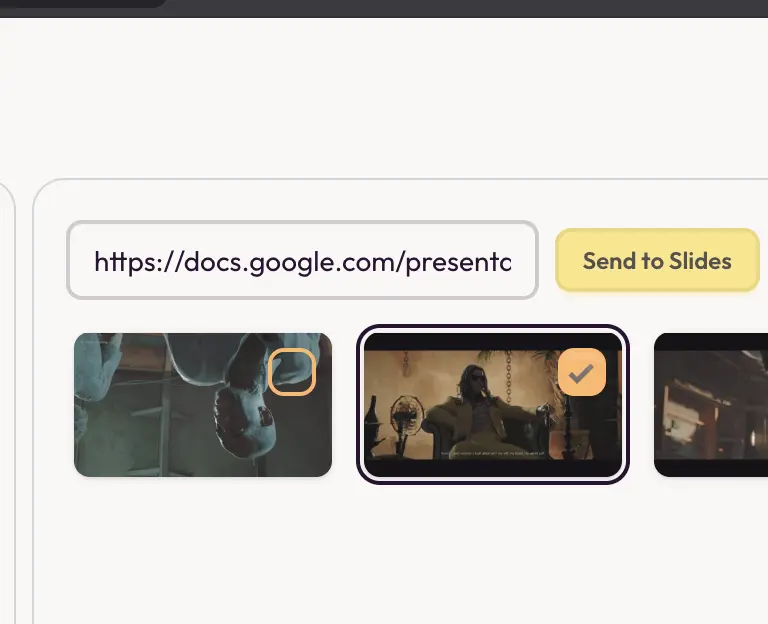
3. Send GIFs to Slides or download clips
The only tool that combines import, upload, screen recording, editing, and direct Google Slides integration in one place
Start making GIFs now
Import
Import videos from anywhere online instantly
Just paste any public video URL from YouTube, TikTok, Instagram, Pinterest, Vimeo, or thousands of other sites. Slidekick loads it instantly into your editor. No other tools needed
Get started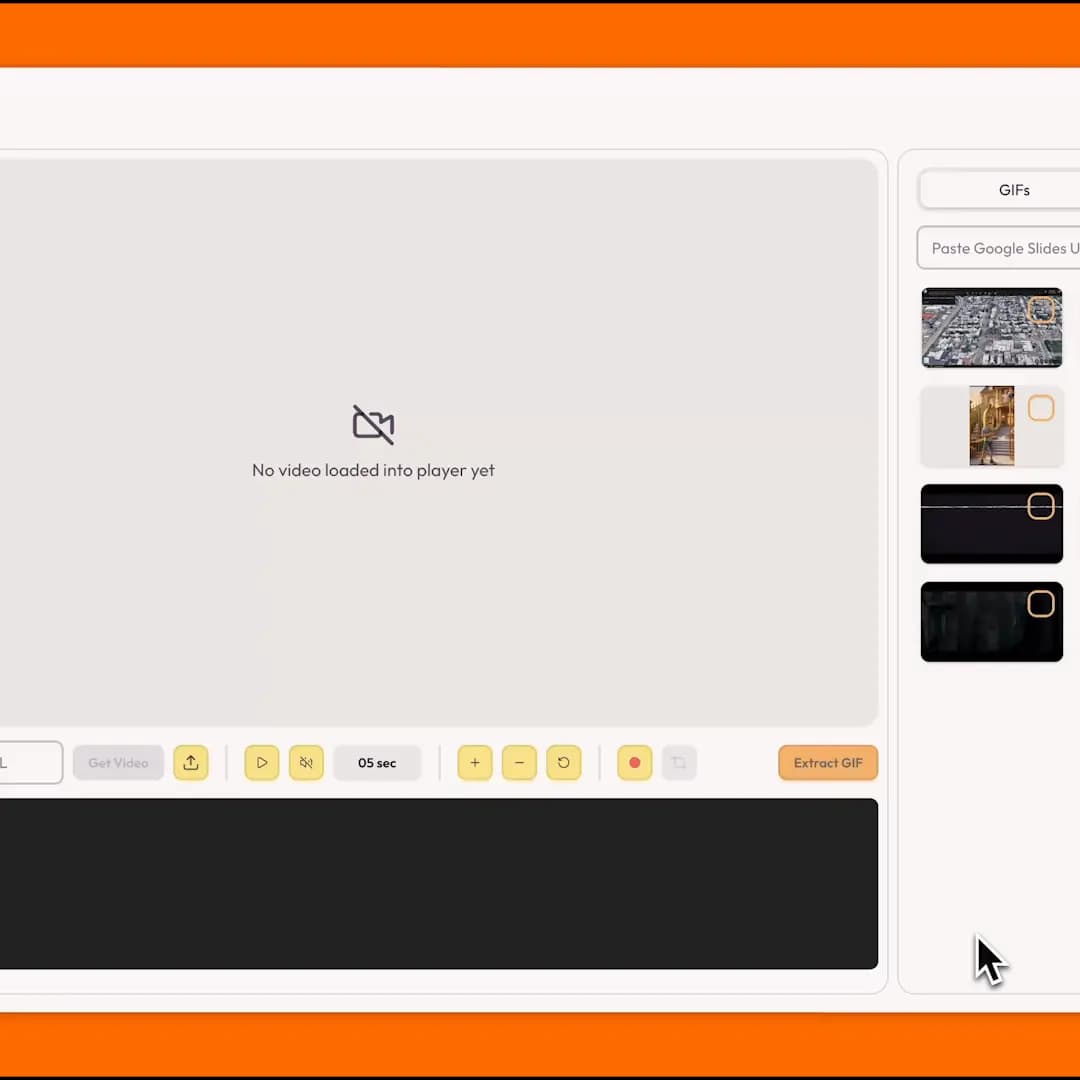
Upload
Bring videos from your computer
Upload any video file from your computer. Trim the clip you need and export it as a GIF or MP4 in seconds.
Upload your video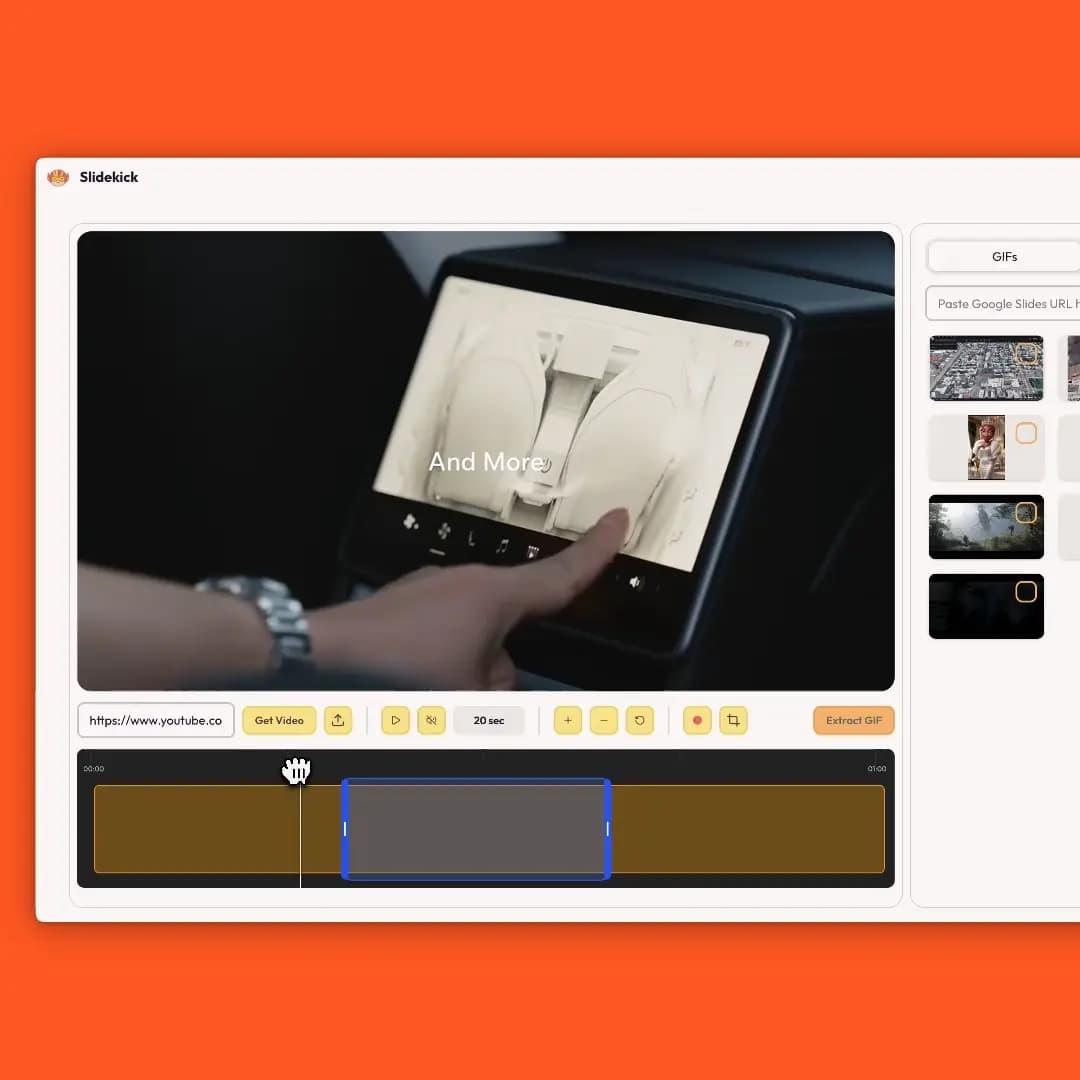
Editor
Intuitive video editor for precise clipping
Set precise start and end points on the timeline. Scrub, preview, and nail the exact moment before you export.
Edit your first clip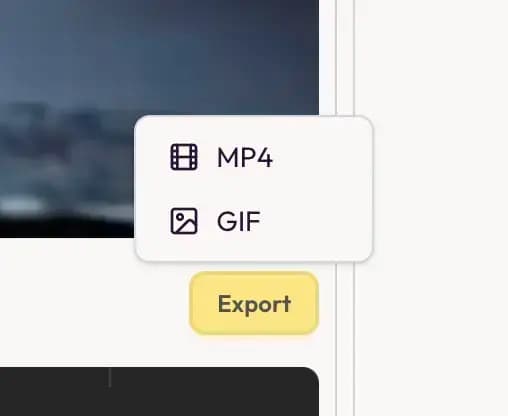
Export
Export clips as GIF or MP4
One Export menu, two formats. GIFs loop in slides and can go straight to Google Slides. MP4 gives you a short 720p video file to download for PowerPoint, Keynote, Slack, or anywhere else.
Export your first clip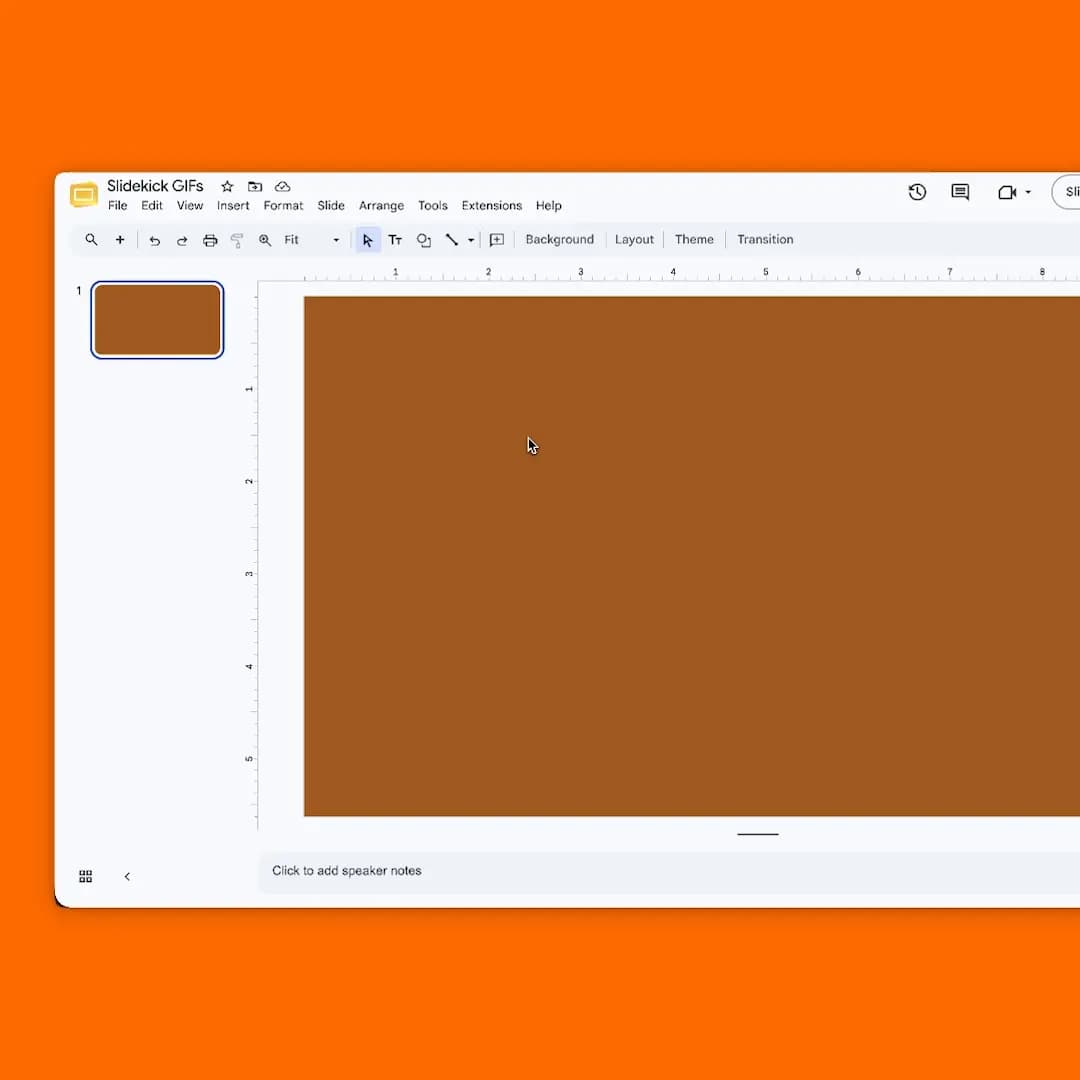
Google Slides
Send GIFs straight to your Google Slides with one click
Connect your Google Slides account, then push any GIF you exported directly onto the slide you are working on. MP4 clips download to your device so you can insert them wherever your deck supports video.
Send GIFs to Google Slides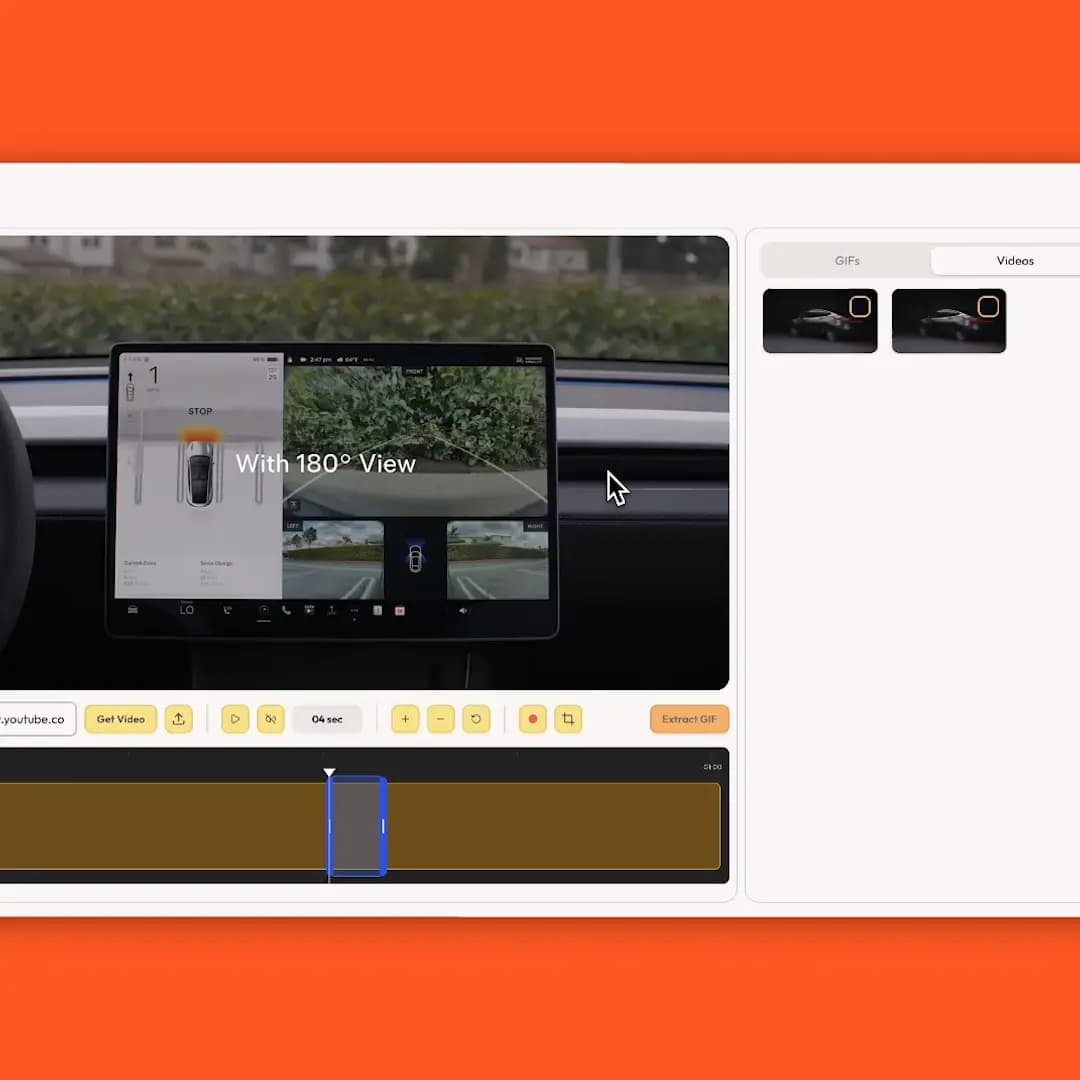
Screen Recording
Record your screen and bring it straight into the editor
No separate screen recorder, downloader, and converter. Record, trim, and export GIF or MP4 without leaving the app
Start screen recording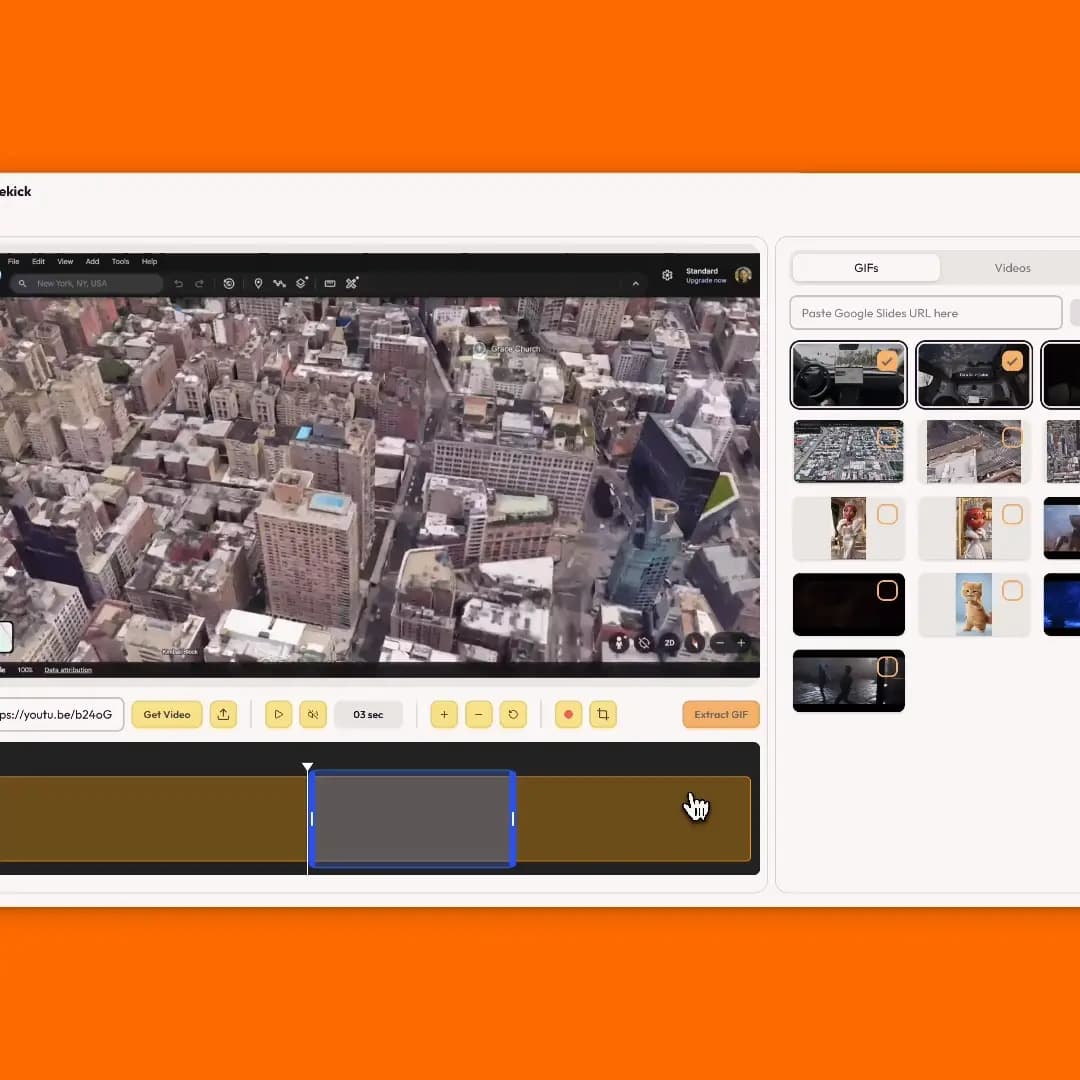
Customize
Crop to the exact dimensions you need
Crop to square, vertical, widescreen, or any aspect ratio before you export. Frame the clip once, then choose GIF or MP4.
Crop before you export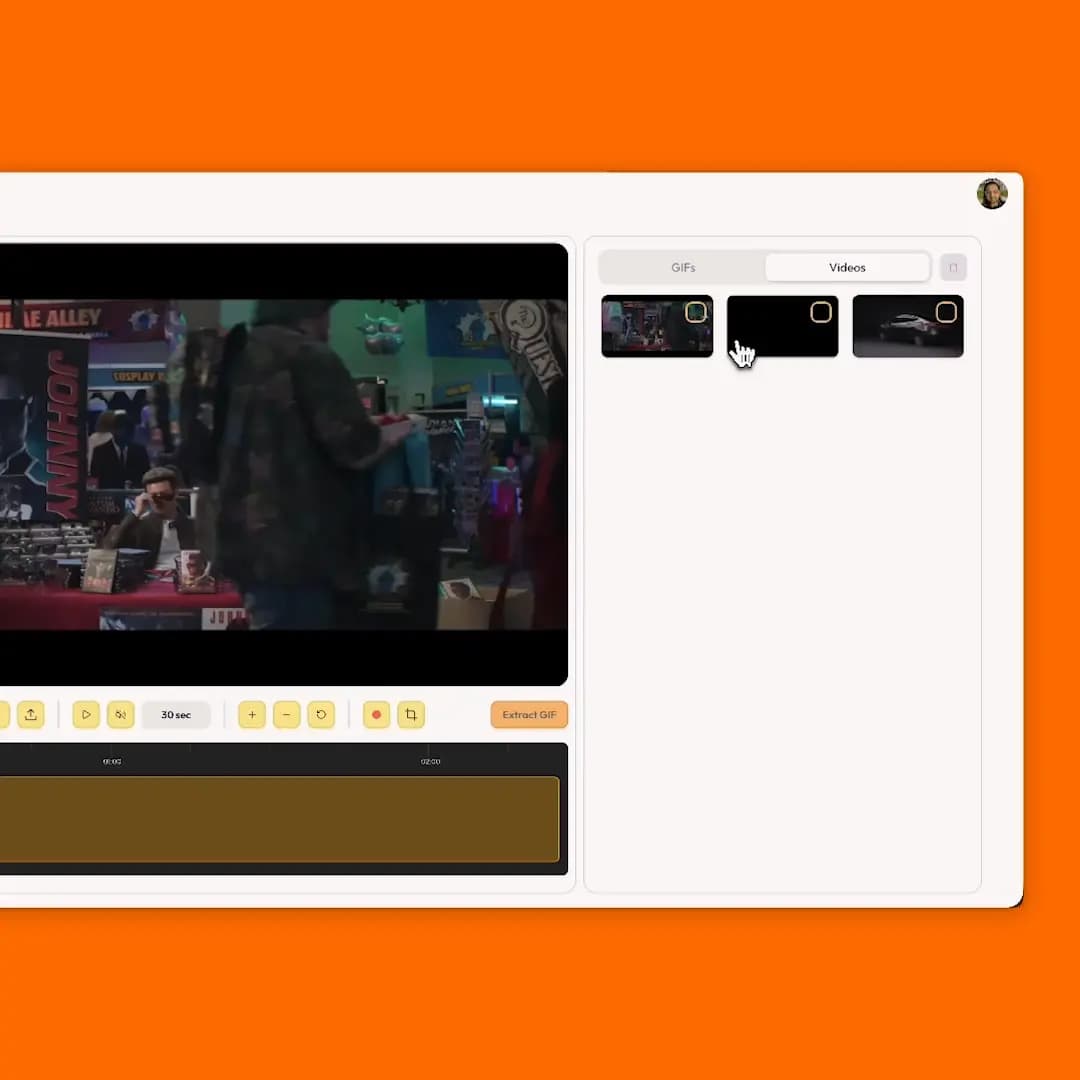
Asset Management
Work with multiple videos during your editing session
Import, upload, or record several clips and switch between them without starting over. All assets stay in your video library during your session.
Manage your videosWho is Slidekick for?
Creatives
Educators
Product Teams
Gamers
Marketing Teams
Meme lords
Designers
Developers

hey it's T.K, maker of Slidekick
I used to spend way too much time getting clips into my presentations.
Every tool I tried was either too expensive, complex, slow or missing some element that could make my workflow a breeze.
So I chose to do the brave thing and build my own tool, not just build it, but make it the best ever in its class.
And now, you have it too. One editor to trim any video source and export a GIF for Google Slides or a short MP4 when you need real video.
Getting clips into decks is not supposed to feel like a second job. Reach out if you have feedback, ideas, or questions.
Simple pricing
Pay monthly or just once for lifetime access
Popular
Monthly
$4.99/mo
- Unlimited GIF and MP4 exports
- Import clips from any public video URL
- Upload videos and screen record
- Trim, crop, and preview in one editor
- Send GIFs to Google Slides; download MP4 clips
- Cancel anytime
Best Value
Lifetime
Limited time offer$99 once
- Everything in Monthly
- All future updates included
- Pay once, yours forever
- Priority customer support